

GOM Customer Portal
We’re excited to announce the launch of our new Customer Portal, giving you an easier and faster way to book a service, purchase consumables and manage your account — anytime, anywhere.
How to Log In
Scan and log in to your Customer Portal account using your Machine ID printed in your service tag and PIN by
following the steps below.
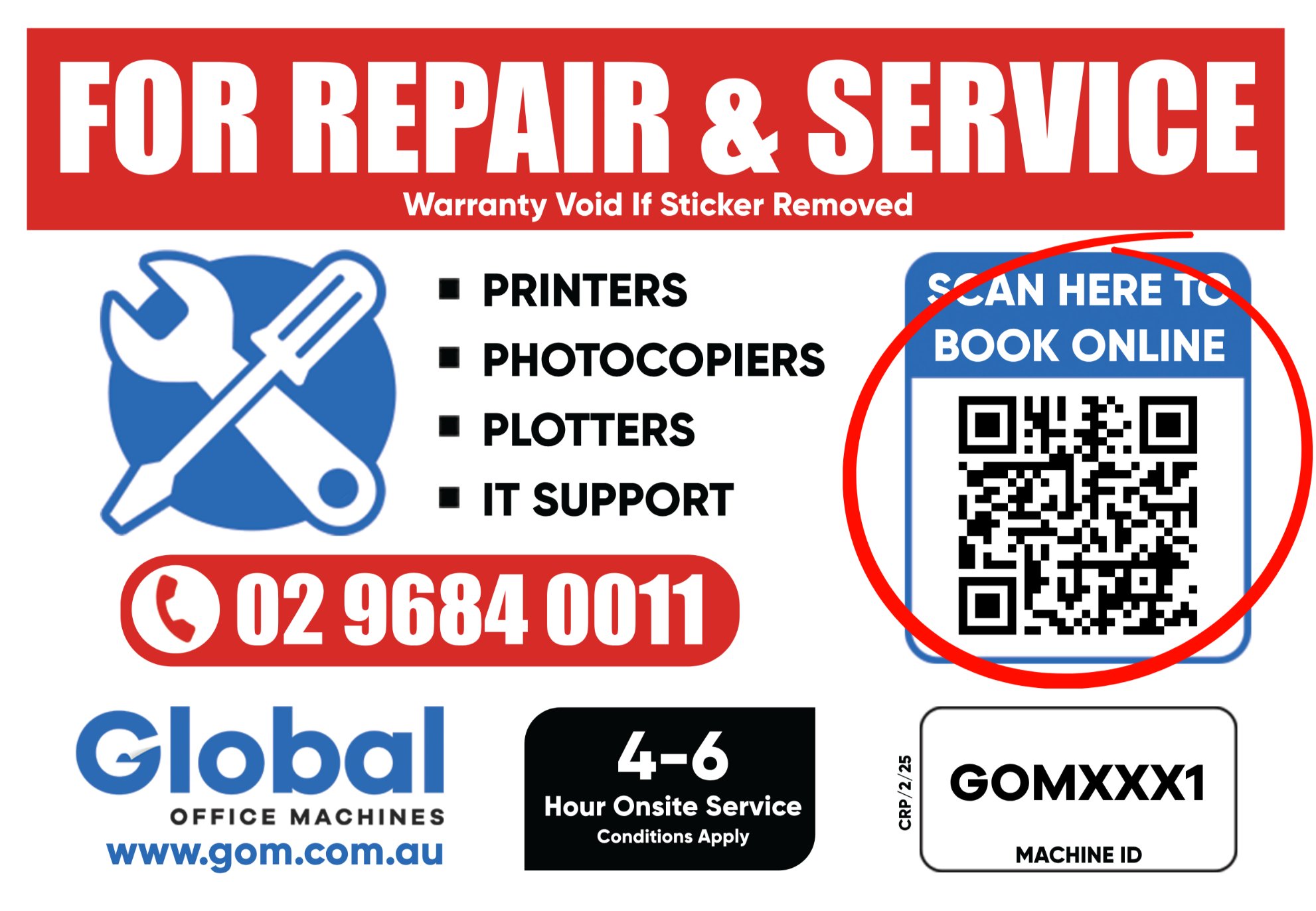

Log In
Fill your Machine ID and PIN to log in to your account.
Find Your PIN
Your PIN is located at the bottom of the “How to Guide” brochure left by our technician.
Select a Service
Choose Book a Service for machine support, or Purchase Consumables to order supplies.
💡 Forgot Your PIN?
Choose “Forgot your PIN?” and your PIN will be sent to your registered email address. Check your spam or junk folder if you cannot see it in your inbox.


How to book a service?
Submit a service request for your registered machine quickly and easily through the Customer Portal.

Book a Service
Request machine support for your registered equipment. Follow our step-by-step guide to submit a service request quickly and easily.

Purchase Consumables
Order genuine consumables for your registered machine. Our guide will show you how to search, add to cart and complete your order.

Become a GOM Customer
Register your details and equipment below to receive your GOM Service Tag and access our customer services.
Still have a question?
Our team is here to help. Give us a call and we’ll be happy to assist with your Customer Portal, service requests or consumable orders.